
Generate Minecraft resource packs with AI.
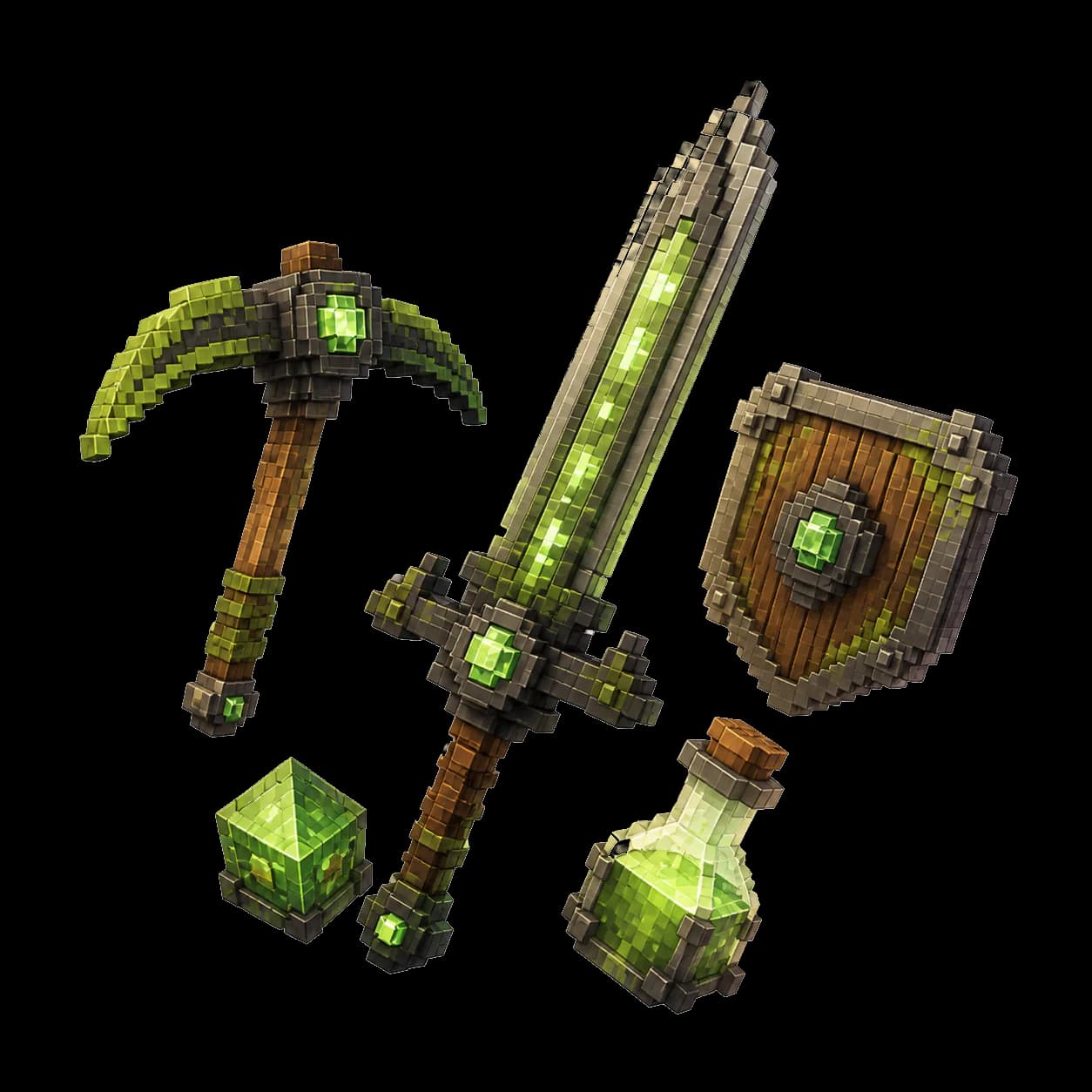
Design a coordinated set of weapons, tools, and items with original 16×16 or 32×32 textures. Refine the direction in chat and download the finished pack.
Start free. Describe what you want to make.
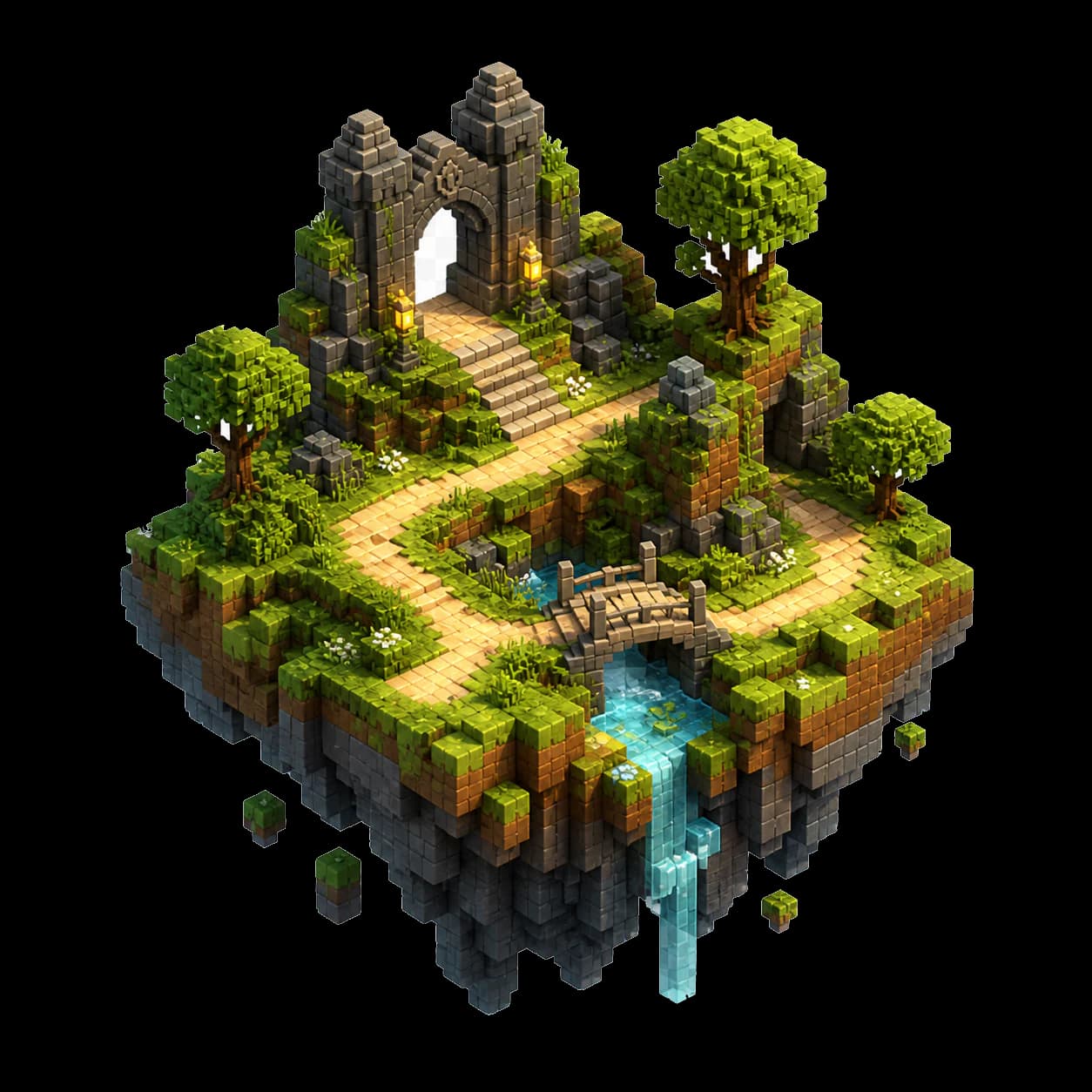
Maps
3D preview + .schem
Resource packs
16×16 and 32×32 textures
Datapacks
Recipes, attributes, effects
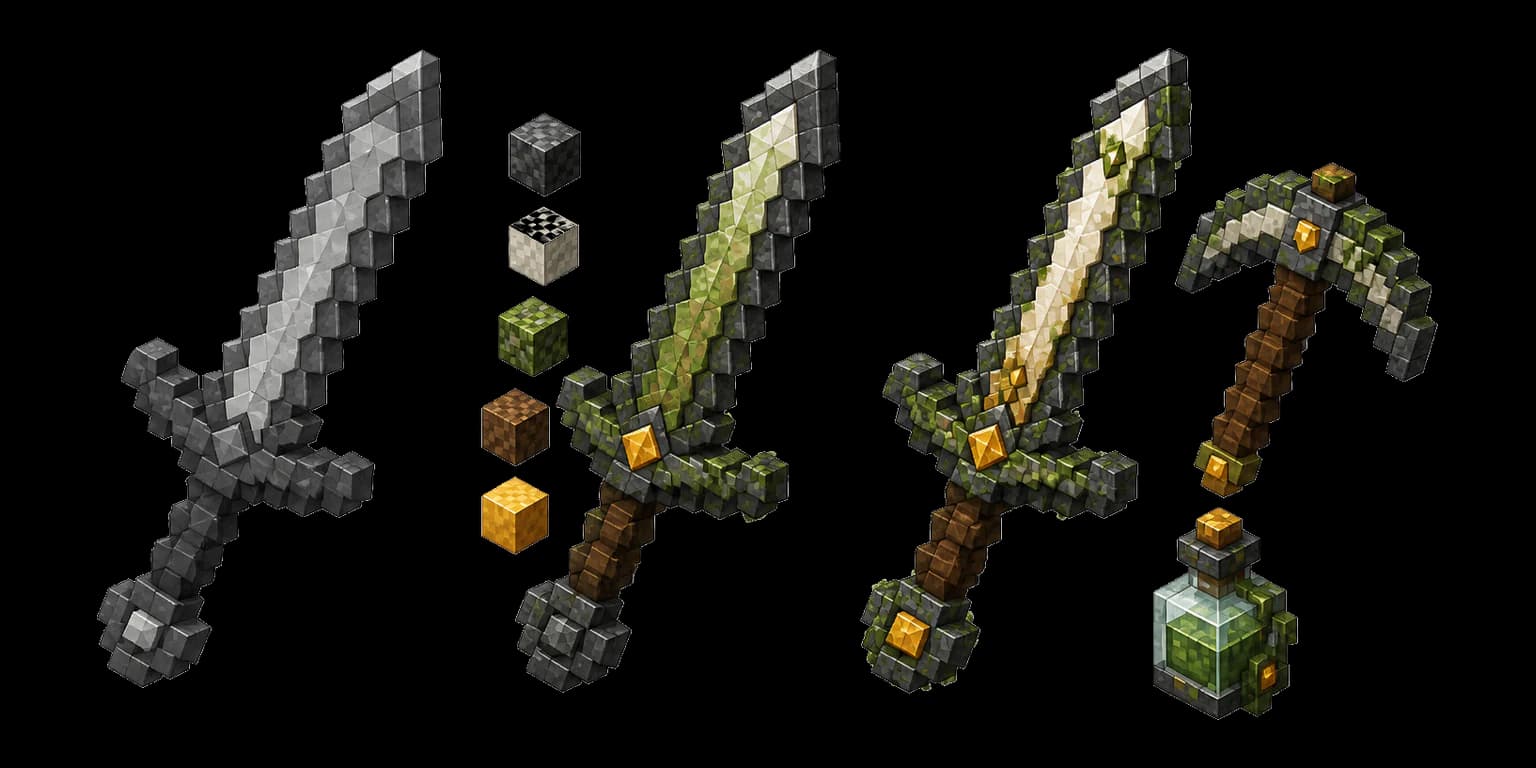
Define the look once. Carry it across every item.
Describe the materials, mood, color palette, and level of detail. BlockyGPT turns that direction into a coordinated set instead of a folder of unrelated textures.
- 0116×16 or 32×32 textures
- 02Consistent materials and palette
- 03Original item silhouettes
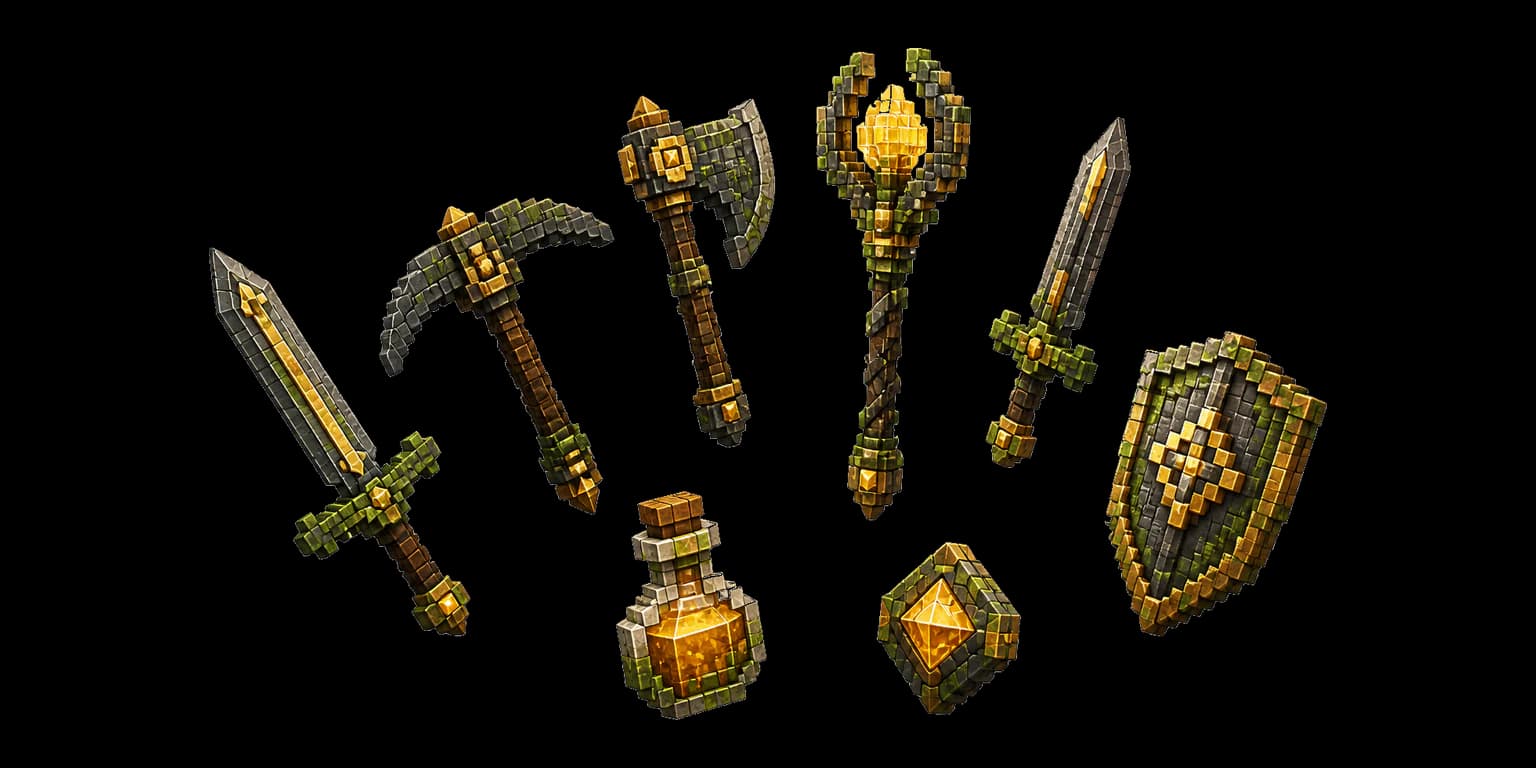
Build an arsenal that belongs in the same world.
Create weapons, tools, consumables, shields, and equipment together. Each piece remains distinct while sharing the same visual language.
- 01Up to eight items per pack
- 02Shared visual identity
- 03Packaged resource-pack ZIP
Talk through the idea. Keep the momentum.
01
Describe the result
Share the theme, constraints, style, and gameplay goal in the same words you would use with another creator.
02
Review what was built
See the current result, ask for focused changes, and keep the parts that already work.
03
Download and play
Take the finished map or pack into Minecraft Java when it is ready for your world.
Create more than one part of the world.
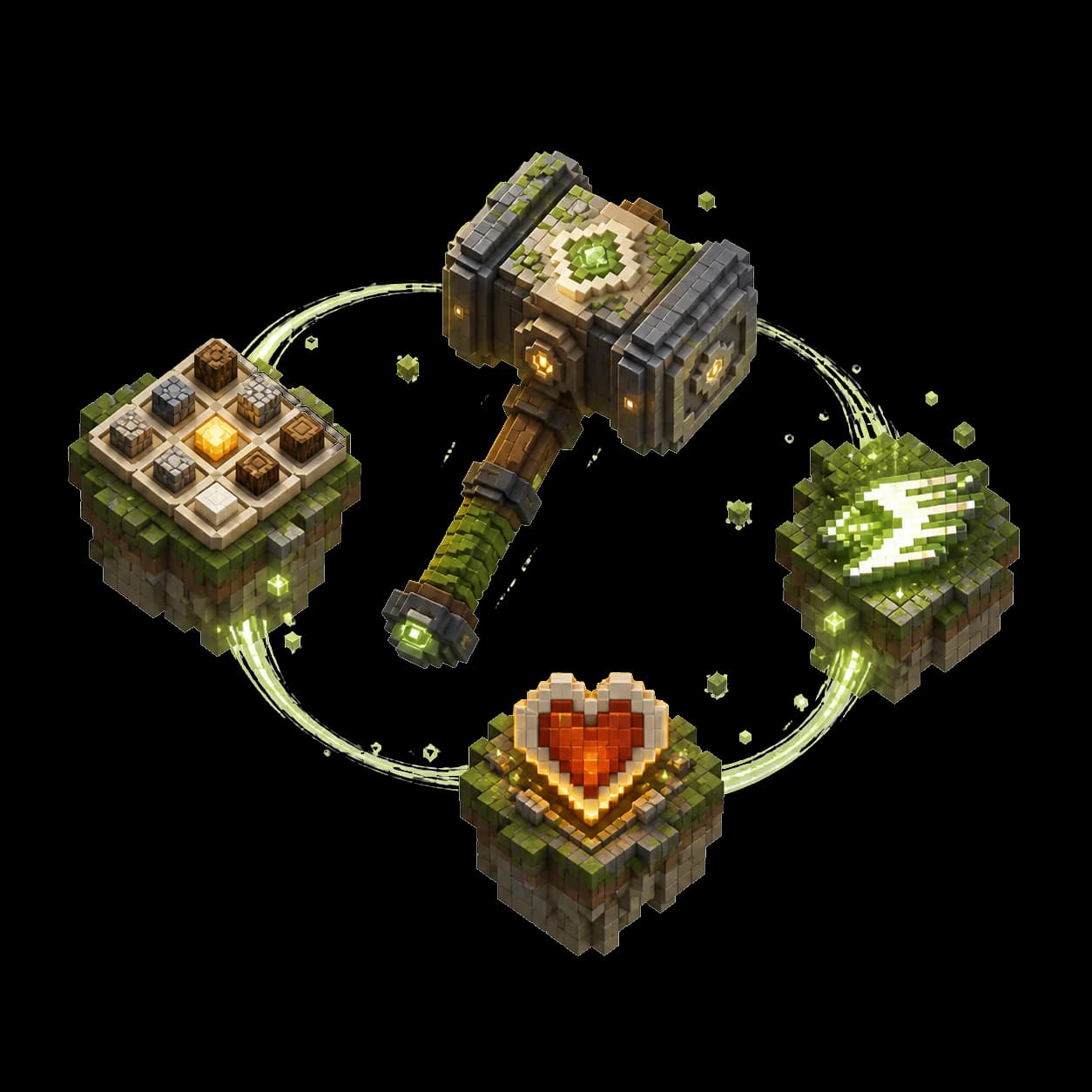
Describe it. Build it. Keep creating.
Open a chat, share the idea, and let BlockyGPT turn it into something you can use in Minecraft.